Text-to-video AI is one of the most exciting and rapidly evolving areas of generative AI. This guide explains exactly how the technology works today, how to get the best results, and what realistically to expect from current tools.
Contents
1. How text-to-video AI works
Current text-to-video models are built on diffusion model architecture — the same foundational technology behind Stable Diffusion and Flux. The key difference is that video generation must produce consistent sequences of frames rather than a single image.
Architecturally, models like Sora use a 3D diffusion transformer that processes space and time simultaneously. Rather than treating video as a sequence of images, these models learn the joint distribution of pixels across both spatial and temporal dimensions.
In plain language: the model learns "how the world moves" as much as "what the world looks like." It understands that a door swings on a hinge, that water flows downward, that a walking person's legs must alternate.
2. The current state of text-to-video
✓ What works well
- Short clips (2-6 seconds)
- Simple camera movements
- Nature and abstract scenes
- Stylised/animated looks
- Single-subject compositions
✗ Current limitations
- Character consistency >6 seconds
- Accurate text rendering in video
- Complex multi-person scenes
- Logical narrative sequences
- Hand and finger detail
3. The frame-first approach
The most practical workflow for producing AI video today is what we call "frame-first" — generating high-quality still frames that represent key moments in your scene, then using video interpolation or animation tools to add motion.
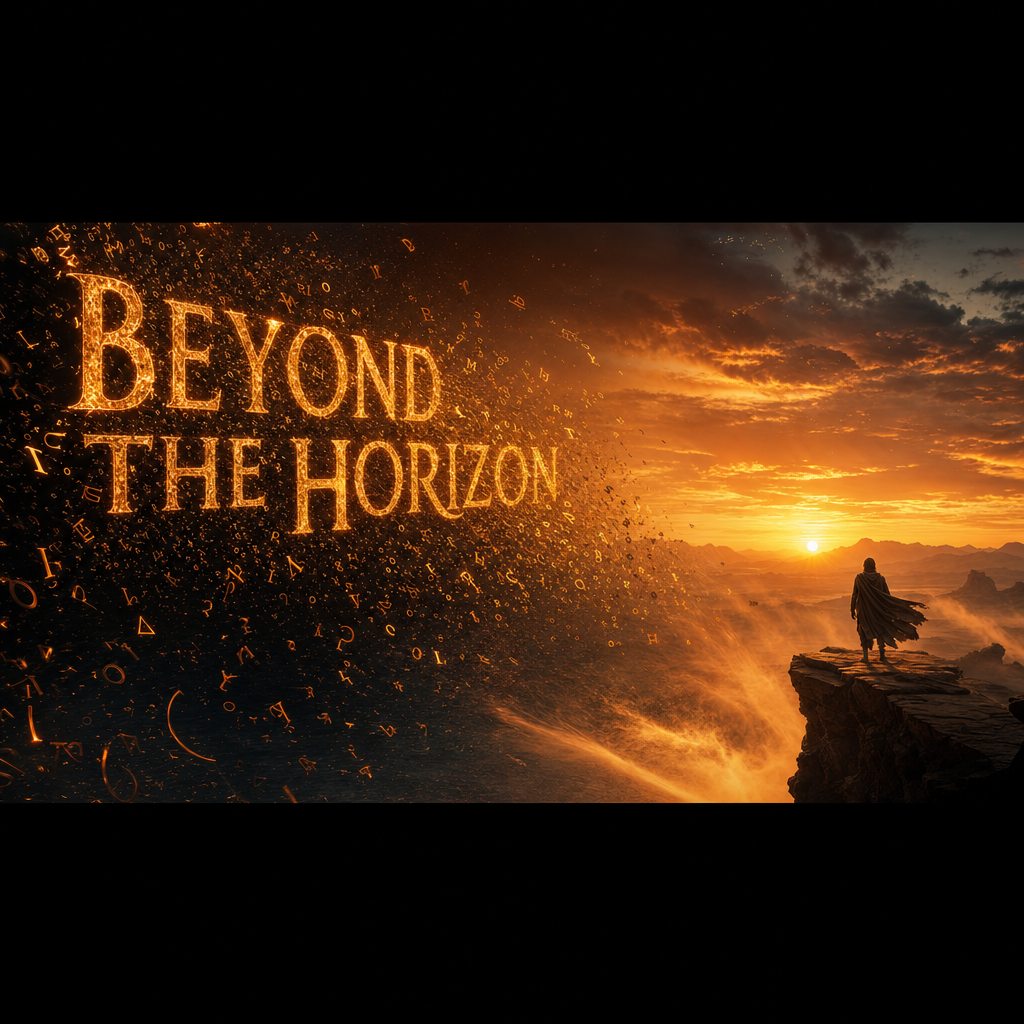
This is exactly what TextToVideo.me enables. By generating cinematic frames at 1792×1024 (widescreen 16:9), you capture the full visual identity of your scene. These frames can then be used as:
- Reference images for video generation tools (Runway, Pika, Kling)
- Storyboard panels for pitch decks
- Mood board assets for production design
- Direct social media content (cinematic stills)
- Visual development for games, apps, and marketing
4. Writing prompts for video
Prompts for video generation require a different structure than image prompts. The key addition is motion description — you need to describe what moves, how it moves, and at what pace.
ANATOMY OF A VIDEO PROMPT
COMBINED PROMPT:
"A lone astronaut standing on a red desert planet, twin suns setting on the horizon. Slow camera dolly pull-back reveals the vast empty landscape. Cinematic 4K, anamorphic lens flares, isolated contemplative mood."
5. Practical tips for best results
Be specific about camera movement
Vague prompts produce random camera behavior. "Slow dolly forward", "static wide shot", "drone rising shot" — specify the exact camera move you want.
Describe the light source explicitly
Don't just say "dramatic lighting" — say "side-lit by a single window, warm afternoon light, long shadows." Specific light sources produce predictable results.
Include a style anchor
Add a reference point: "like a Ridley Scott film", "National Geographic documentary style", "Wes Anderson centered framing". These dramatically steer the output.
Use the Smart Enhance button
Our AI prompt enhancement adds cinematography language, technical specs, and quality markers automatically. It's the single biggest quality improvement available.
Generate multiple variations
The best frame is rarely the first one. Generate 3-5 variations with slight prompt changes and select the best. Composition, lighting angle, and mood all vary between generations.
6. Use cases and workflows
Film pre-production
Generate storyboard panels, concept art for locations, costume and set design references. Pitch decks that include AI-generated visual references are demonstrably more compelling to investors and studios.
Social media content
Widescreen cinematic stills perform exceptionally well on Instagram, Threads, and LinkedIn. Generate a series of thematically consistent frames for a visual campaign. The 1792×1024 format works natively as a widescreen social post.
Game and app development
Concept art, loading screen backgrounds, cutscene storyboards, marketing assets. Generate visual concepts for your game world quickly without a full art team.
Input frames for video AI tools
Use generated frames as input reference images in Runway, Pika, or Kling. This dramatically improves consistency — you control the visual identity of the frame, and the video tool adds motion to it.